Category: Cognition and Learning

Free Webinar: Boost Your GCSE and A-Level Revision Skills

Illustration of diverse secondary school students in school uniform revising together around a table with flashcards, mind maps, and sticky notes, with tower blocks visible through the classroom window.

With GCSEs and A-Levels just around the corner, are you looking for revision strategies that actually work? It’s the time of year when students, parents, and carers are all searching for ways to make revision less stressful and more effective.

We are delighted to share an excellent, free opportunity from the British Dyslexia Association (BDA). While run by the BDA, the practical techniques shared in this webinar are designed to help all students succeed, not just those with dyslexia. Multisensory learning benefits everyone.

Free Webinar: Revision Skills for Success

This live online session is designed for parents, carers, and students in secondary school and college. Presented by dyslexia specialist Amanda Hornby, it will provide a toolkit of practical strategies to transform revision.

Many of you found the BDA’s previous webinar recording, which we shared back in October, incredibly helpful. This is a chance to get the latest advice and ask questions live.

What You Will Learn

This one-hour webinar focuses on quick, practical, and engaging methods to make learning stick:

  • Multisensory techniques using visual, auditory, and movement-based strategies
  • Organisation tips to make revision clearer and calmer
  • Memory boosters and accessible reading and writing methods

Book Your Free Place Now

Event: Free Webinar — Revision Skills for GCSEs and A-Levels
Date: Tuesday 7th April 2026
Time: 7:00pm – 8:00pm
Cost: Free

Register for the free webinar here

Clicker and Widget Symbols

Clicker/DocsPlus updates and opportunities for extended trials

There have been significant new updates to the Clicker software (and its secondary school equivalent, DocsPlus) that will be a fantastic boost for many of our students.

Full Widget Symbols Integration

The biggest news, especially for our borough, is that Clicker now comes bundled with Widget Symbols for free. This was previously available as a third party add-on, but at £99 per machine it was too expensive for most settings.

Tower Hamlets already provides Widget Online to all our borough schools. Clicker now includes the Widget symbol set embedded into the word predictor, spell-check, Clicker Sets, Word Sets and the document itself.

Google Classroom / Microsoft Teams Intergration

This long-awaited feature makes saving and sharing work directly to your school’s learning platforms (like Google Classroom, MS Teams, etc.) much easier and more streamlined than was previously possible. This has always been an obstacle when embedding the software within schools – particularly on iPads and especially within Secondary settings, where work is increasingly uploaded to Google Classrooms or Microsoft Teams.


Already have Clicker or DocsPlus?

If you are already using Clicker in your school, make sure you’ve updated to the latest version to access these new features!

You’ll find the Widget Symbol set in the “options” tab, under Pictures – Picturize:

Evaluation Trials

We understand that school budgets are under pressure. As educators, we all know that we often have to trial several approaches to overcome barriers to learning before we find one that works for each student. Crick offer a one month trial with all their products, but sometimes that’s not enough time to evaluate a new learning tool. With this in mind, the Learning Advisory Service has a small number of licenses for extended one term trials. If you have a students you feel may benefit from Clicker or DocsPlus get in touch.

As always, we’re happy to support with training and support around making effective use of assistive technology to support inclusion within Tower Hamlets Schools. This may include exploring new tools, or simply ensuring that your making best use of the tools that you already have in place.

Please get in touch if you’d like to discuss how we may be able to support you.

Embedding Assistive Technology in Mainstream Classrooms


Using Everyday Technology to Remove Learning Barriers

This guide has been adapted from a presentation to Tower Hamlets’ seconded SENCOs. It outlines practical strategies for embedding assistive technology (AT) into classroom practice — not as an add-on, but as part of everyday, inclusive teaching.

AT is no longer optional. It’s a priority area for the Department for Education, aligned with wider reforms in digital inclusion and SEND support. The tools themselves — speech-to-text, immersive readers, guided access, and more — are already built into the devices and platforms we use daily, and are developing fast thanks to advances in AI.

At the same time, schools are under huge financial pressure. The effective use of assistive technology isn’t just good for learners — it’s good for budgets, workload, and whole-school strategy.

Done well, it can:

  • Empower students to work more independently
  • Free up support staff to focus on interaction, not transcription
  • Help teachers focus on relationships, wellbeing, and learning — the reasons most of us came into education in the first place

What does it include:

  • Built-in accessibility tools in Microsoft, Google, and Apple ecosystems
  • Strategies for supporting literacy, focus, and access needs
  • Setup checklists for devices and learning platforms
  • Training tips for students and staff
  • Advice on adapting tools over time
  • Common barriers — and how to overcome them
  • AI-powered supports for differentiation and planning

This isn’t about buying new kit. It’s about using what we already have, better — to reduce barriers, improve outcomes, and create classrooms where all learners can thrive.

📎 Download the full guide here

If you’re based in Tower Hamlets and would like help implementing any of this, refer via the online form, or contact me at ben.annett@towerhamlets.gov.uk. Or if you share an interest in technology, inclusion or education reach out on Linkedin.


© 2025 Ben Annett and the London Borough of Tower Hamlets. This resource may be shared and adapted for educational use with appropriate credit.

Please do not republish or distribute commercially without permission.

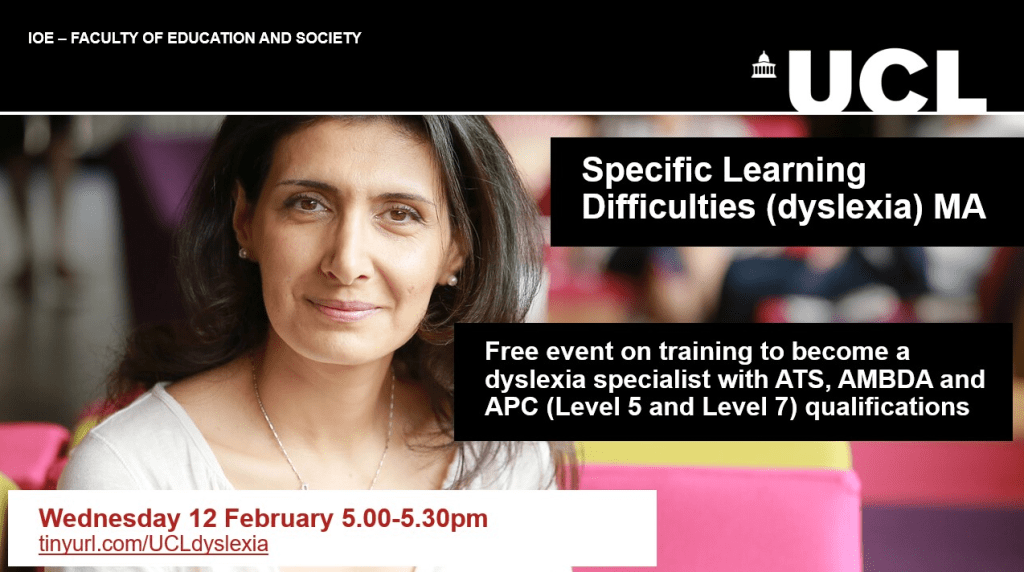
Masters in Specific Learning Difficulties (Dyslexia) Information Event

Looking for the next chapter in your teaching career?

Interested in training to become a qualified dyslexia specialist?

Join the UCL for a free online event on Wednesday 12 February at 5pm where you can learn more about our Masters in Specific Learning Difficulties (dyslexia) programme.

You will find out:

  • How you can gain a Master’s degree from the world #1 university for Education as well as professional practice qualifications, AMBDA, APC and ATS/APS
  • How you can develop your knowledge and skills of dyslexia from leading experts and researchers through a combination of in-person and online teaching.
  • Everything you need to know about how to become qualified to teach and assess for dyslexia at Level 5 and Level 7.

In addition to a presentation from lecturers, you will also hear from past students who will tell you about their experiences of the course and the positive impact it has had on their career.

Register here: KA7 MA SpLD (Dyslexia) Course Information Event | UCL Online Store

Using AI creatively in Literacy

A ten minute from video from Darren Coxen demonstrating how you might use AI in three creative and interactive ways to explore a literacy text.

This is a very good example of how we can use AI creatively to bring the curriculum to life. We worry a lot about AI doing the students’ writing for them, but what about AI responding to the student’s work?

With a bit of imagination, we could make this work at the primary level by writing postcards to characters in our text. Or what about describing our characters using lots of lovely adjectives to create an image?

Worried about the cost? If you have Google Classrooms, you’ll likely already have access to Gemini, and there are plenty of other free or low-cost options.

Please get in touch if you want to explore ways to incorporate AI into your curriculum to motivate your reluctant writers.

Subscribe By Email

This form is protected by reCAPTCHA and the Google Privacy Policy and Terms of Service apply.

Skip to toolbar